- Go to MetaShare’s start page.
- Click on the “Settings” function in the top bar:

- Click on the workspace configuration that you want to inactivate, in MetaShare settings’ left navigation menu.
- On MetaShare’s toolbar, click on the “Delete” function.

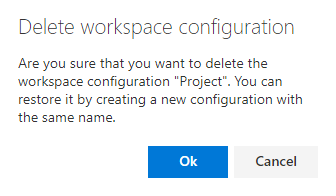
- Click on “OK” in the “Delete workspace configuration” warning message.
- Now the workspace configuration will disappear from MetaShare settings’ left navigation menu.
Note
- Workspaces that are based on a deleted workspace configuration will not be deleted or hidden.
- A deleted workspace configuration can always be restored by creating a new workspace configuration with the same name as the previously deleted workspace.