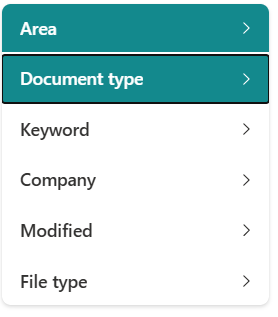
MetaShare User manual Find documents How to expand/collapse filters How to expand/collapse filters Click on any of the available filter headings. The filters will toggle between Collapsed or Expanded state. If the filter is filtered, it will keep its colour (darker green), so that it’s visible even when collapsed.